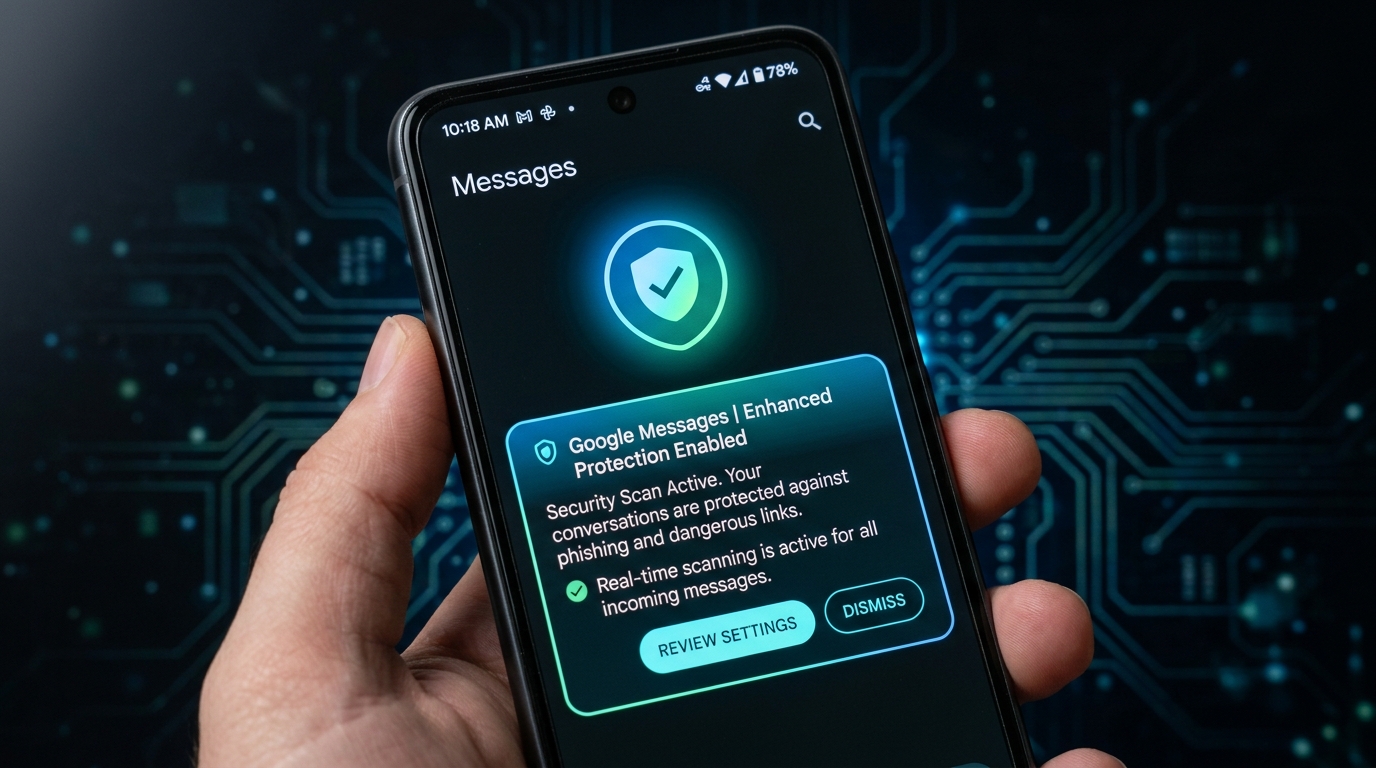
Google has announced new Android scam protections, led by an opt-in Enhanced protection mode in Google Messages. The update also adds safeguards against call-forwarding fraud, which scammers use to steal one-time passcodes (OTPs), and against data exposure during screen sharing. Google announced the changes on October 14, 2026, in a post titled "New Android protections to help keep you safe from mobile scams."
Google says Scam Detection in Phone by Google and Google Messages already flags more than 5 million suspected scam calls and texts every month.
What Is Enhanced Protection Mode in Google Messages?
Enhanced protection mode is an optional setting that turns on Google's strongest scam defenses. It is rolling out in the coming weeks and has three parts:
Scam Detection with Private AI Compute: Cloud Gemini models analyze conversations with unknown senders to spot scammers who start with slow, friendly chats. The analysis runs in Private AI Compute, where data is encrypted and, according to Google, inaccessible to anyone else, including Google.
Gemini Nano link safety checks: On-device Gemini Nano uses real-time web signals to judge whether an unfamiliar link is trustworthy before you tap it. This helps against brand-new phishing sites that haven't been cataloged yet. It is available on Pixel 10 and newer, Galaxy S26 series, Galaxy Z Flip8, Z Fold8 and other select devices.
Checkpoints for unfamiliar links: Redesigned warnings give you extra context before you tap links from numbers not saved in your contacts. These work on Android 6 and later.
Android Call-Forwarding Protection Against OTP Theft
Scammers often secretly redirect your calls to their own number so they can intercept OTPs and take over accounts. Android now blocks apps from quietly enabling call forwarding in the background. If a scammer tricks you into typing a forwarding code on the dial pad, Android warns you before the change takes effect. This protection starts rolling out in early December 2026 on Pixel and other select devices.
Screen-Share Scam Protection on Android
During a live screen-share, Android now automatically blanks out login fields and payment screens in Chrome and Android WebView. Native apps already had this protection. It is rolling out in October 2026 to devices running Android 15 or later.
Scam Alerts in Chat Notifications Reach More Phones
Scam alerts that appear in your notification shade, before you open a chat app, were limited to Pixel. Google is working with HONOR, Infinix, iQOO, itel, JOVI, Motorola, OPPO, OnePlus, realme, TECNO, vivo and Xiaomi to bring them to hundreds of millions more users later this year. Availability varies by manufacturer.
Verified Financial Calls: Blocking Fake Bank Calls
Verified financial calls is not new, but Google highlighted its results. Android checks with the official banking app whether the bank really made the call. If verification fails, Android hangs up and alerts you. Since launching in June, it has blocked more than 3 million spoofed calls from Banco do Brasil and Itaú Unibanco alone, and it also protects Revolut customers. Google has not said which other countries or banks are covered.
Feature Availability at a Glance
| Feature | Availability |
|---|---|
| Enhanced protection mode | Opt-in, "coming weeks" |
| Gemini Nano link checks | Pixel 10+, Galaxy S26, Z Flip8, Z Fold8, select devices |
| Unfamiliar-link checkpoints | Android 6+ |
| Screen-share privacy | Android 15+, rolling out in October 2026 |
| Call-forwarding protection | Early December 2026, Pixel and select devices |
| Chat notification scam alerts | Later in 2026, via partner brands |
Enhanced protection mode is off by default, so users must switch it on in Google Messages once it reaches their phone. Google has not published a list of countries for the rollout, so availability in Pakistan is unconfirmed.
How to Stay Safe from Mobile Scams Right Now
- Turn on Enhanced protection in Google Messages once it appears in settings.
- Never share an OTP with anyone, even a caller claiming to be from your bank.
- Never type a code on your dial pad because a caller told you to.
- Don't share your screen with strangers while logged in to banking apps.
- Keep Android and Google Messages updated.